About 23 kB, loaded after your page
A chat on every page, in your brand colour.
Visitors start a chat from any page. Pick your colour, your greeting and when it shows. Your pages stay fast: the chat loads after the page, at about 23 kB.

What the chat window does
One chat window for every page, set up from your Settings.
Your colour, readable text
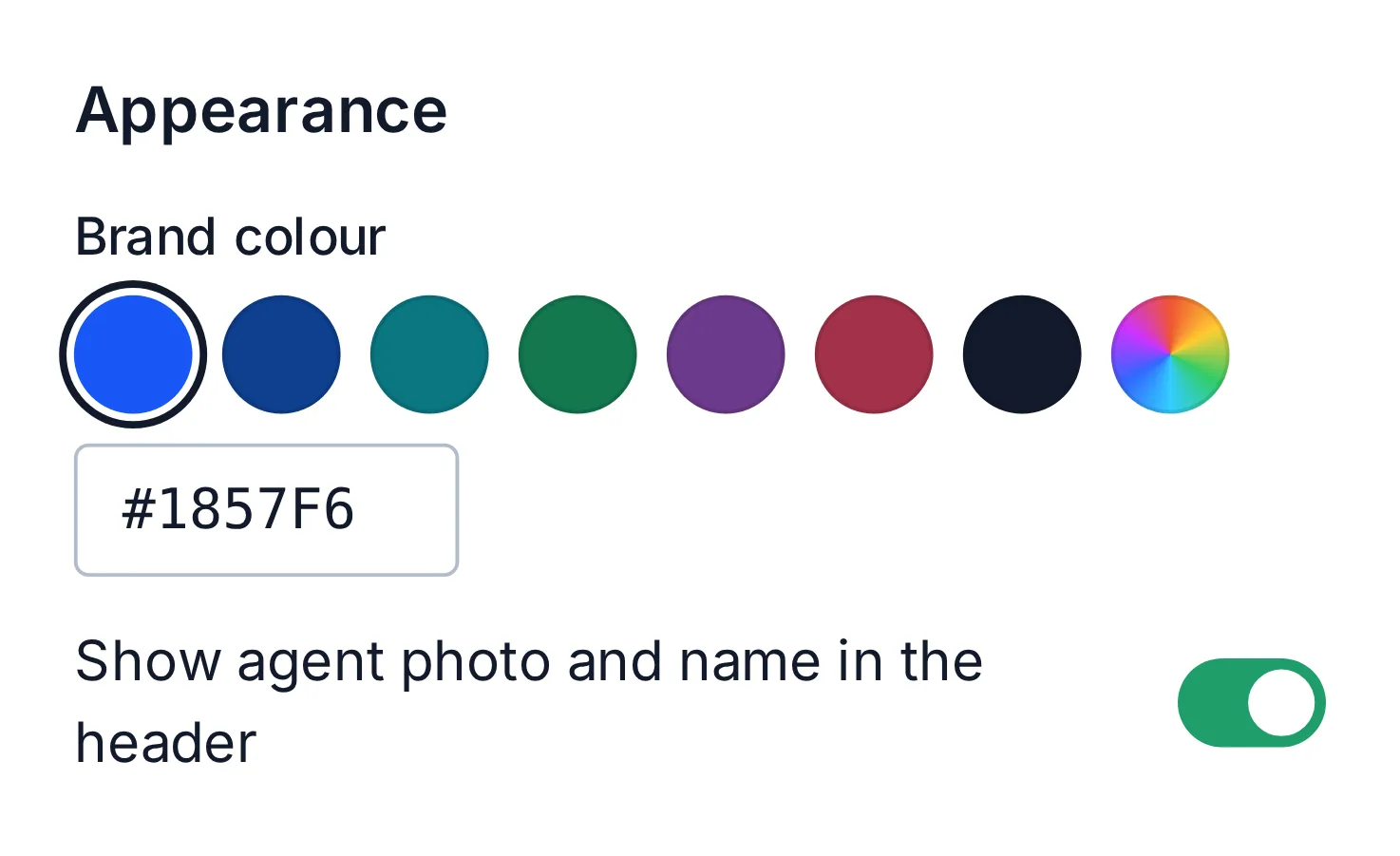
Pick your brand colour in Settings. The chat picks a text colour that stays readable on it.
A greeting that says hello first
Write your own greeting. It opens above the chat button after a few seconds on the page.
Forms before and after
Ask for a name and email before the chat starts, and for a rating when it ends.
Files and emoji
Visitors send photos and files. Images show in the chat; other files download.
Messages after hours
When nobody is online, the chat becomes a message form, and the message waits in your inbox.

The chat on your pages
Pick your colour in Settings and the chat picks a text colour that stays readable on it.
23 kB
the chat’s weight, loaded after your page
1 line
of code on any website